THE BEST JUDGING APP IN TOWN

CHEERS TO WINNING BEERS!

The Beerchamp App is designed to help you organise beer competitions and events, taking out the boring admin and making judging fun and fair for everyone, organisers and participants.


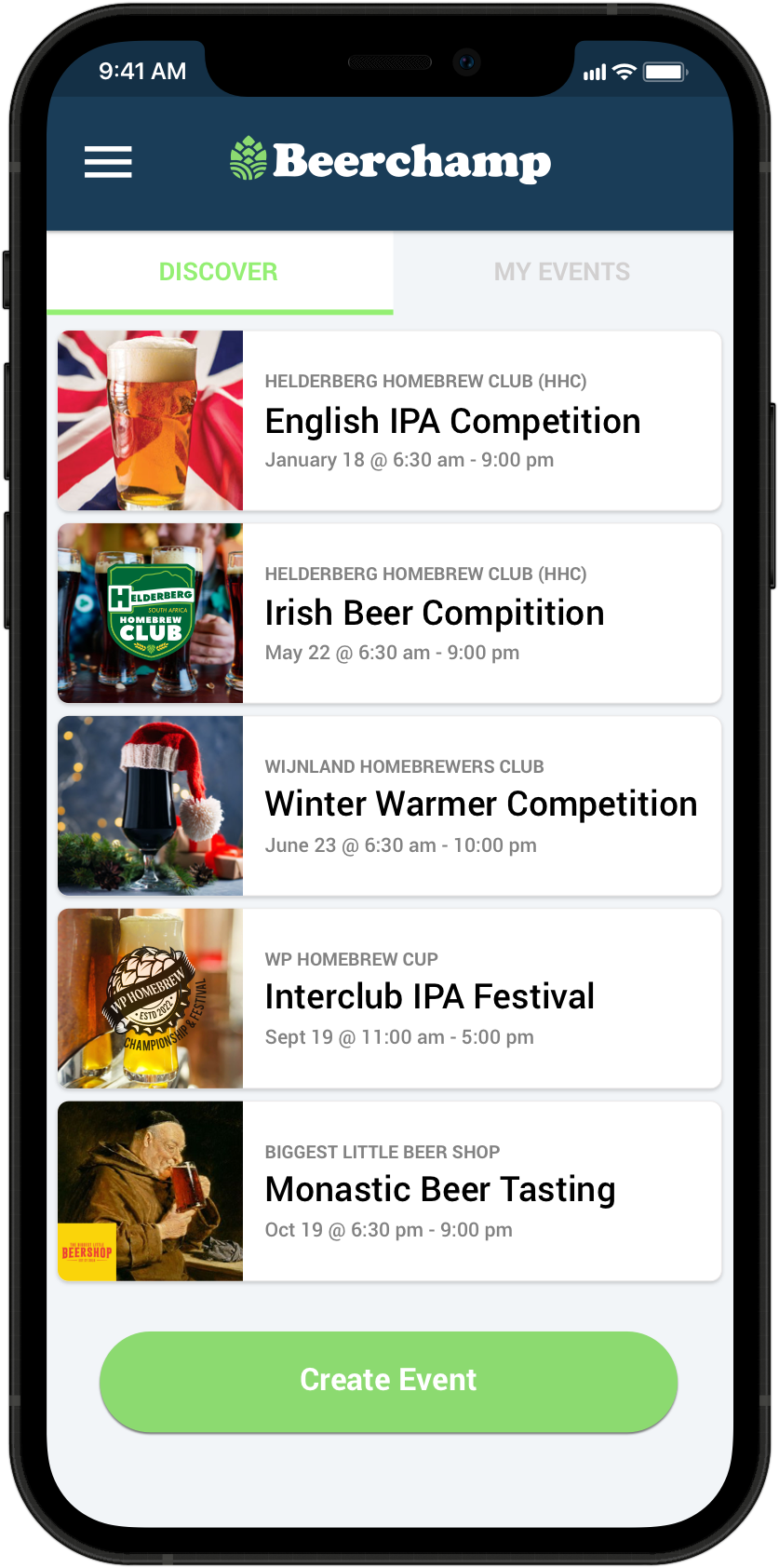
Create & enter beer competitions

Beerchamp enables you to create events, choose the beer styles that can be entered and if event is to be scored by judges or people’s choice.

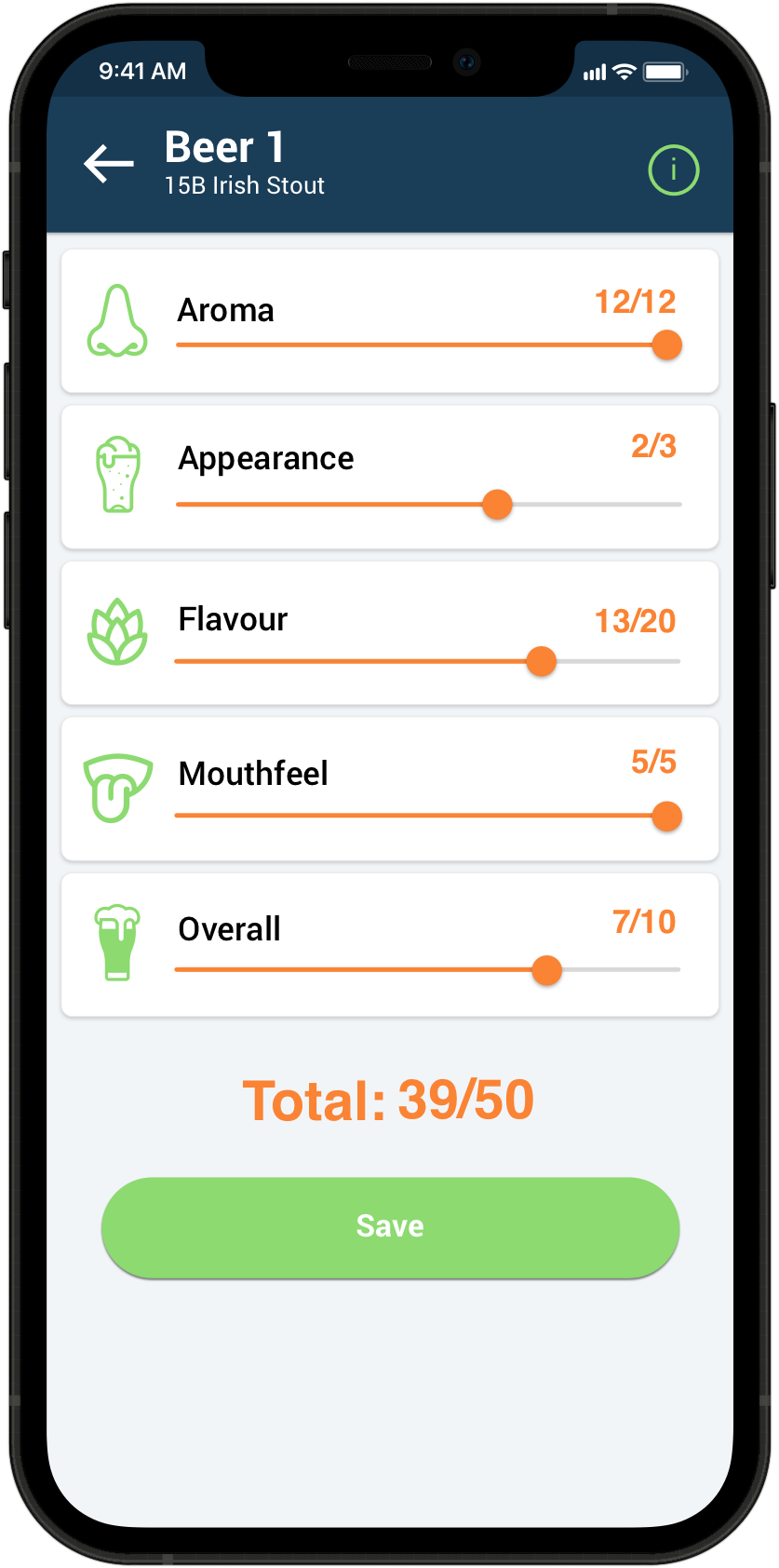
Easy & Anonymously Score Beers

Score each beer in any order and compare totals all in one place. Quick links to style guide to help with the correct tasting notes.
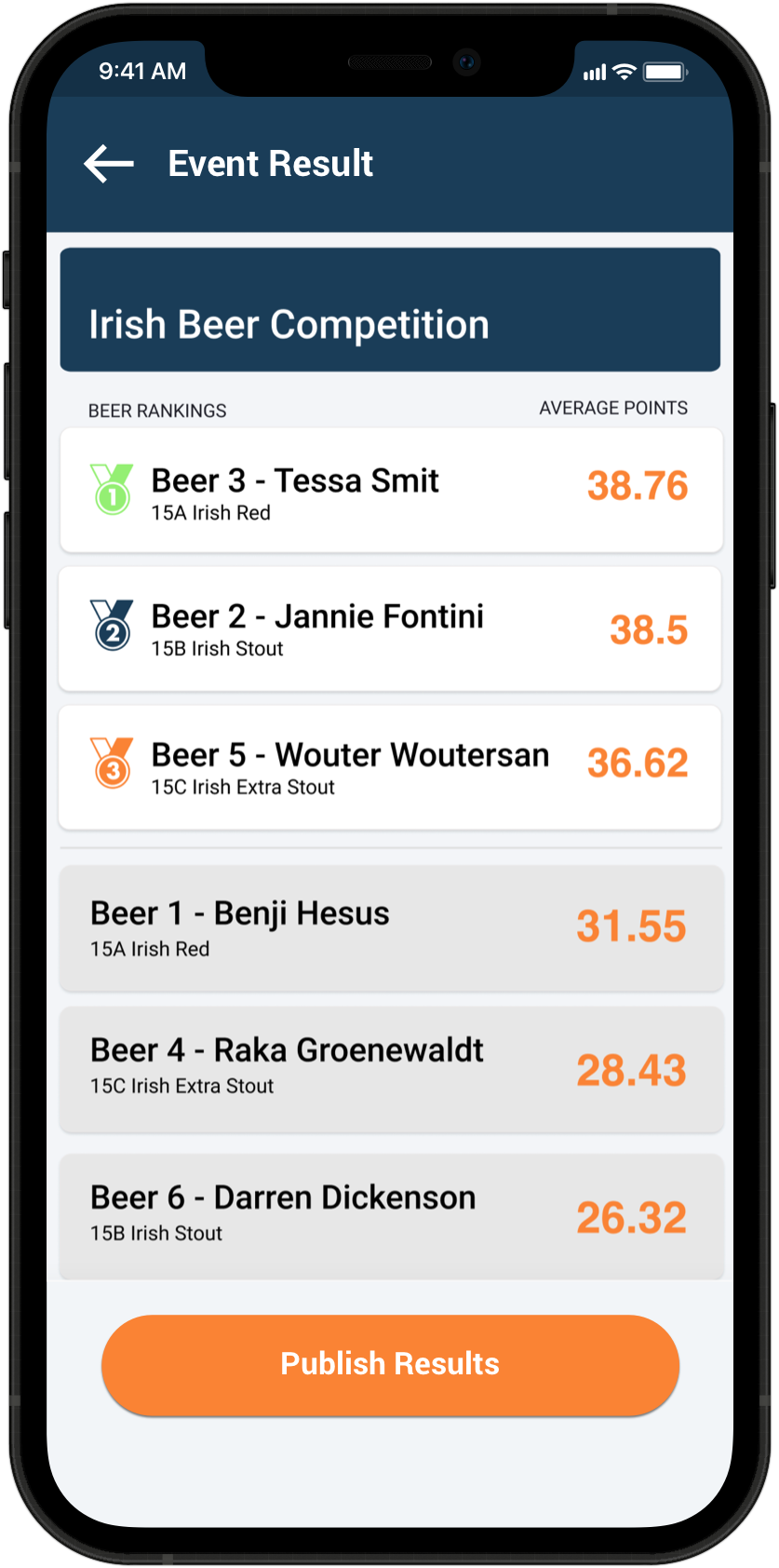
Instant results that’s fair & ready to share

Admins see and share all results in one click. Participants will see top 3 spots as well as where they fall on the leaderboard.

Want to see detailed instructions?

We’ve crafted simple and user-friendly instructions to assist you in navigating our app seamlessly, and to ensure you get the most out of your experience.

BE THE FIRST TO KNOW

Sign up for the newsletter

Let us keep you up to date with any new features & events coming your way.


Official beer styles & guides

While scoring each beer, you can access the BJCP tasting notes for that style, as well as accessing a full list of styles and guidelines.
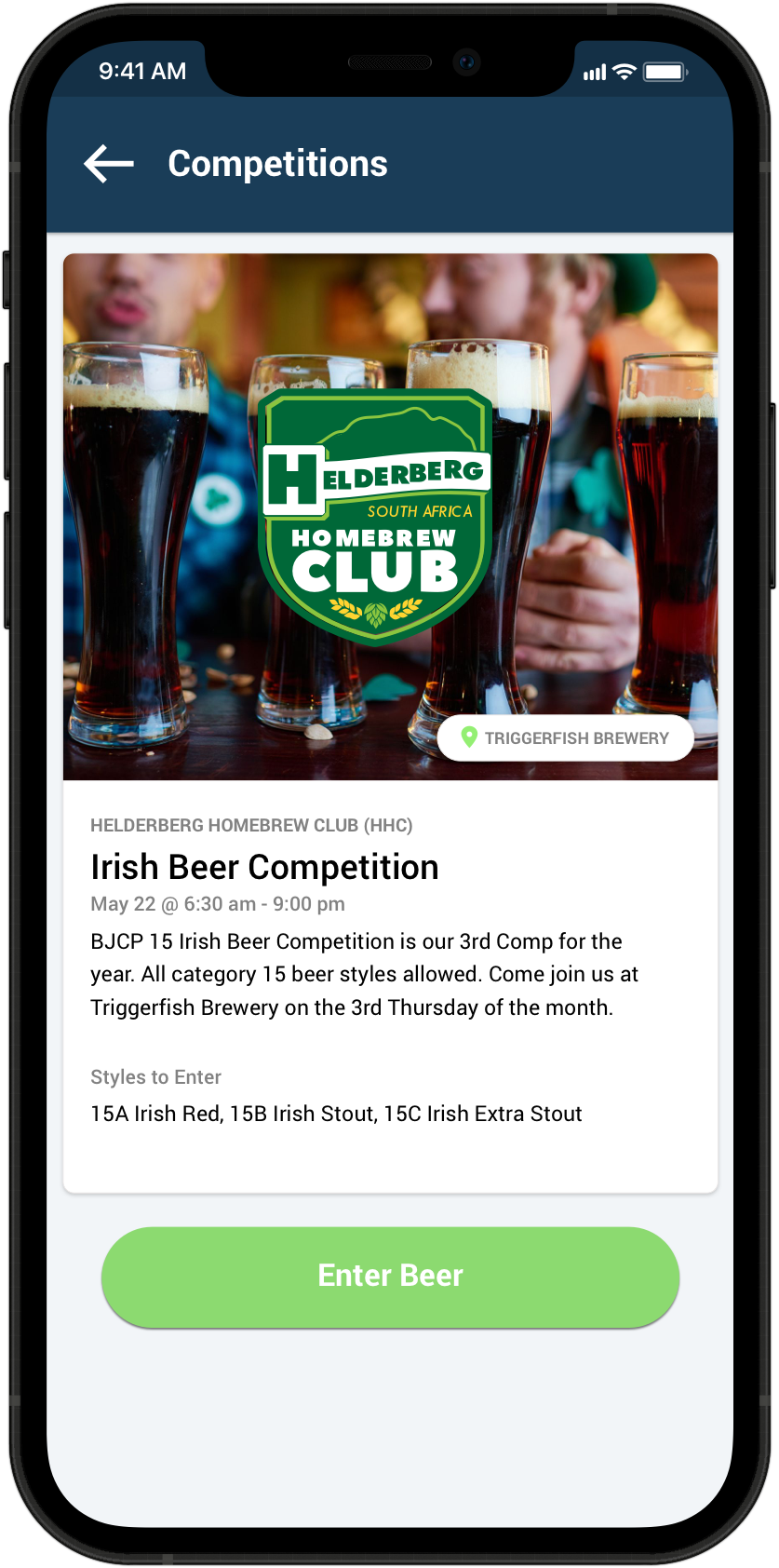
Beerchamp enables you to create events, choose the beer styles that can be entered or make it open. Set location, styles and if this event is going to be scored by judges or people’s choice.

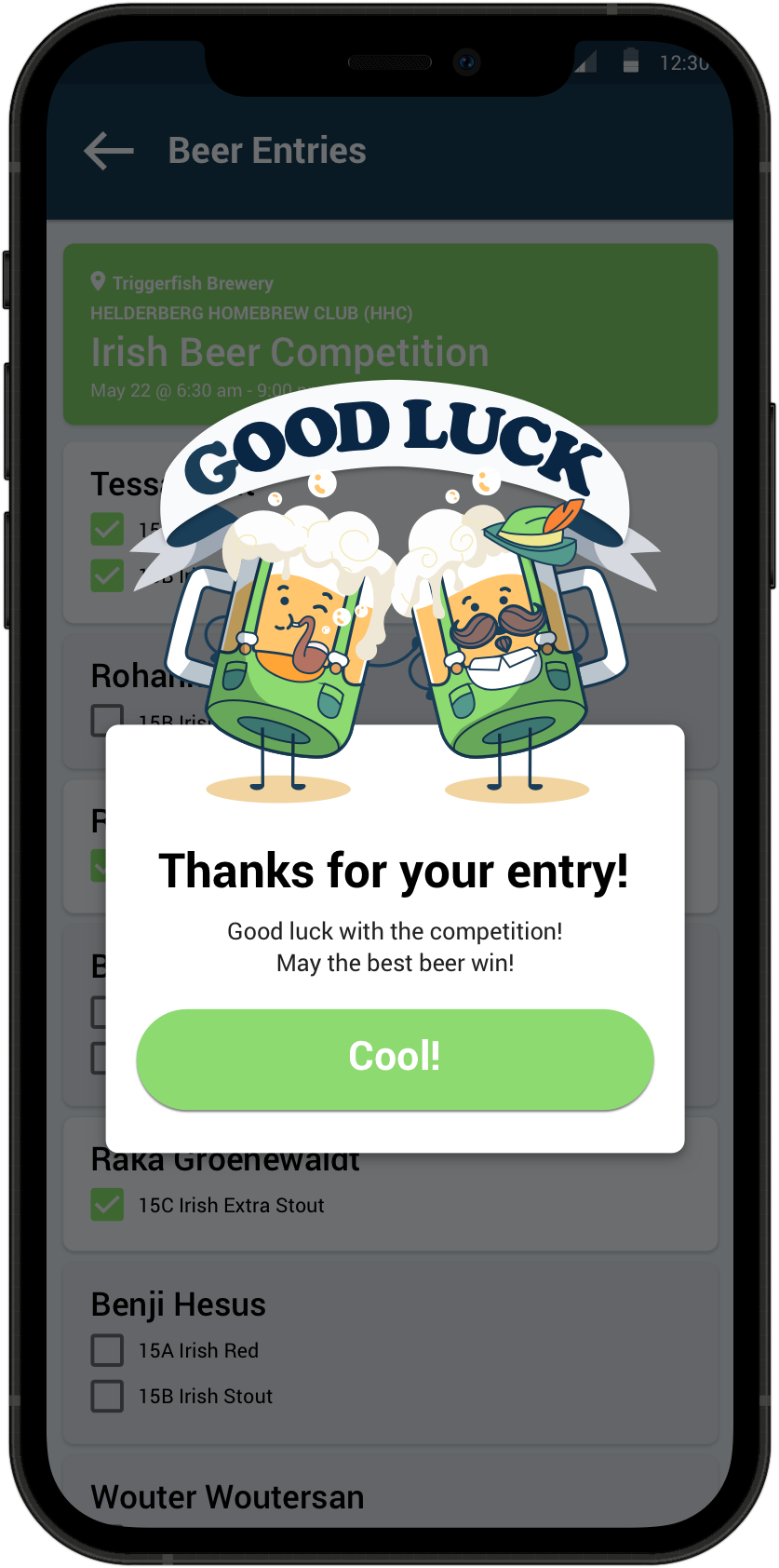
Enter competitions and events. See what beerstyles are allowed and enter under your username.

Setting an access PIN helps control who can enter as well as making sure only people at the event can score the entries. Scoring is anonymous and fair.

See who all the people are that entered, how many beers and what styles. Beerchamp has an easy list to check off when you receive the actual beers.

Score each beer in any order and compare totals all in one place. Quick links to style guide on each scoring screen to help with the correct tasting notes.

Once all the scores are in, Beerchamp creates a leaderboard, shows the podium positions and shows each entry where they fell on the list.

Beerchamp enables you to create events, choose the beer styles that can be entered or make it open. Set location, styles and if this event is going to be scored by judges or people’s choice.

Enter competitions and events. See what beerstyles are allowed and enter under your username.

Setting an access PIN helps control who can enter as well as making sure only people at the event can score the entries. Scoring is anonymous and fair.

See who all the people are that entered, how many beers and what styles. Beerchamp has an easy list to check off when you receive the actual beers.

Score each beer in any order and compare totals all in one place. Quick links to style guide on each scoring screen to help with the correct tasting notes.

Once all the scores are in, Beerchamp creates a leaderboard, shows the podium positions and shows each entry where they fell on the list.

GIVE BEERCHAMP A TRY TODAY

Download the app now!

Now available for iOS and Android, search for Beerchamp on the app store or click the download button below.


QUICK AND EASY

THE BEST WAY TO RUN YOUR COMPETITION

Easy to set up and fun to take part in. Share scores and publish results in one click.

Frequently Asked Questions

If you click on the hamburger menu on the homepage, a drawer will appear, displaying the version number at the bottom. This information is important for any support inquiries you may have.

If you have signed up for the app but have not received a verification email, please check your spam or junk folder. Sometimes, verification emails can be filtered into these folders by mistake. If you still cannot locate the email, please contact our support team for assistance.

A unique PIN was generated when the event was created, and the organiser has access to this PIN. Reach out to them and ask them to share the PIN with you.

No, you need access to the internet and data on your phone to use the app. The app communicates with a backend server to provide real-time data access, so an internet connection is required for it to work properly.

We welcome your feedback and encourage you to report any issues you encounter. You can reach out to us through the app’s support page or contact us directly via email. Your feedback helps us improve the app for all users.

We strive to regularly update the app with new features and improvements. Updates are released periodically, and we recommend keeping your app up to date to access the latest enhancements.

Need more help? See our troubleshooting guide.